
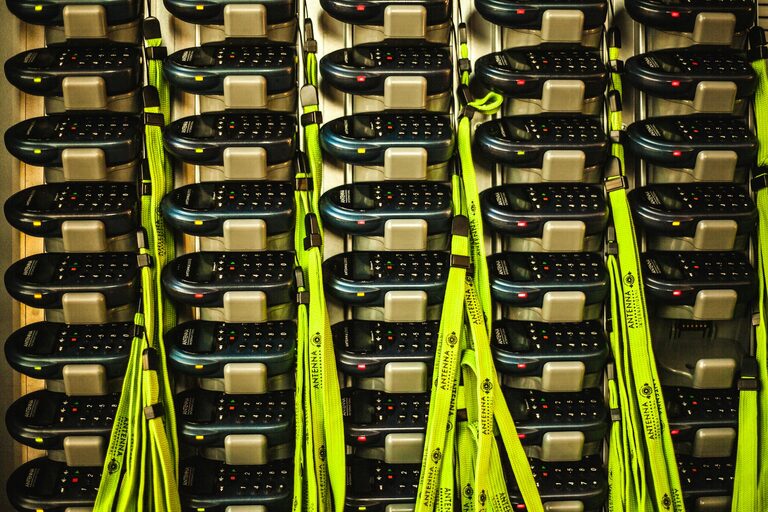
Creating a dedicated charging station for your devices can save time, reduce clutter, and keep your gadgets ready to use. Whether you have smartphones, tablets, smartwatches, or other rechargeable devices, a well-planned charging area makes daily life smoother.
In this post, we’ll guide you through setting up a charging station that’s both functional and tidy.
Why Set Up a Charging Station?
With so many devices in use today, charging them often means scattered cables and random outlets. A charging station helps you:
– Keep all devices in one spot
– Prevent tangled cables and mess
– Easily monitor charging progress
– Protect devices from damage
– Save space and improve organization
Now, let’s break down the steps to create your own charging station.
Step 1: Choose the Right Location
Pick a spot that is:
– Easily accessible for all users
– Close to power outlets
– Well-ventilated to prevent overheating
– Away from water or high traffic areas
Common choices include a desk, kitchen counter, or a small table in the living room.
Step 2: Gather Your Charging Equipment
Make sure you have the essentials:
– Chargers and cables suited for all your devices
– Multi-port USB charger or charging hub
– Power strip with surge protection
– Cable management tools like clips or sleeves
A multi-port charger reduces the number of plugs and keeps cables from crowding your outlets.
Step 3: Select a Charging Station Base
You can use:
– A purpose-built charging dock with compartments
– A tray or shallow box to hold devices
– A small shelf with built-in USB ports
– Or even DIY options like a wooden board with cable holes
Choose a base that fits your style and room space.
Step 4: Organize Cables to Avoid Tangling
Cable management is key for a neat station. Consider:
– Using cable clips or holders to keep cords in place
– Velcro straps or zip ties to bundle excess cable length
– Labeling cables for easy identification
– Routing cords behind furniture or through holes in the base
This helps prevent frustration and keeps your station looking clean.
Step 5: Arrange Your Devices for Easy Access
Position your devices so charging ports line up naturally with cables. For example:
– Place phones upright for easy viewing
– Stack smaller devices like smartwatches separately
– Keep frequently used devices at the front
Having everything orderly speed ups your charging routine.
Step 6: Add Extra Features (Optional)
Consider adding:
– LED lights for visibility in dim spaces
– Wireless charging pads for compatible devices
– Small storage for accessories like earbuds or chargers
– A label system to help family members know which device goes where
These features enhance the overall experience.
Step 7: Regular Maintenance
To keep your charging station functional:
– Regularly dust and clean the area
– Check cables for wear and replace if needed
– Confirm chargers are functioning properly
– Adjust layout if your devices change over time
Routine care extends the life of both your station and devices.
Tips for a Successful Charging Station
– Use fast chargers that support quick charging
– Avoid overloading power strips to maintain safety
– Keep liquids away from the station
– Encourage family members to place devices back after charging
Conclusion
Setting up a charging station is an easy way to maintain order and efficiency for your devices. With just a bit of planning and the right tools, you can create a space that keeps all your gadgets charged, organized, and ready to go.
Try these steps today, and enjoy the convenience of a clutter-free, well-organized charging station in your home!